Quick Notes Plus |

Quick Notes Plus (QNP) lets you create Post-It® Notes like sticky notes on your Windows desktop.

'Desktop Sticky Notes' provide a convenient way to quickly write down our thoughts. It is as easy as using a paper & a pen, plus it brings all advantages of storing information in 'digital' form.

What is special about this sticky notes program is that it lets you organize sticky notes inside folders in order to avoid desktop clutter, set reminders to sticky notes & also attach sticky notes to documents & websites.

New version of Quick Notes Plus is known as Notezilla. Go to Notezilla website to learn about the new version.


Highlights


  • Easy to use sticky notes

    Easy to use: Effortlessly capture any information inside desktop sticky notes. It may be to-dos, reminders, appointments or notes.


  • Simple to understand sticky notes

    Simple to understand: QNP is so intuitive that there is nothing to learn. Just install the program & start getting benefitted right away.


  • Attach sticky notes to websites

    Extra convenient: QNP lets you stick notes to web pages & documents. They show-up automatically when ever you go back to that web page.


  • Enjoy creating sticky notes

    Enjoyable experience: Using Post-It® Notes like virtual sticky notes on your desktop is fun. Since creating a sticky note on desktop is just a click away, you would not procrastinate taking notes.


  • Arrange sticky notes inside folders

    Keeps desktop neat: Organize desktop sticky notes inside folders. Keep your desktop tidy with only essential sticky notes on it.


  • Set reminders to sticky notes

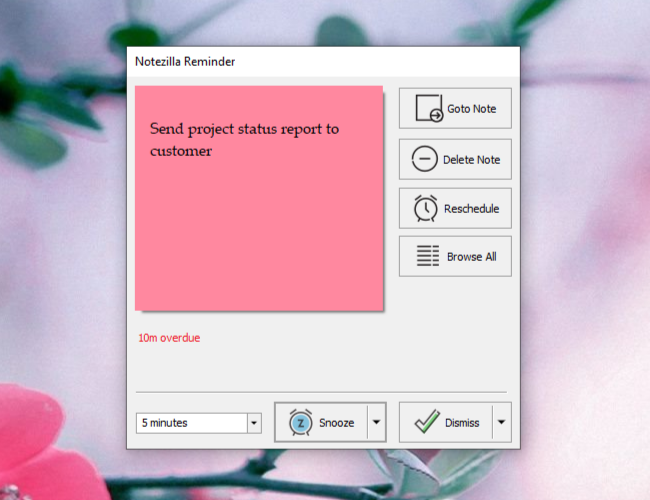
    Never miss anything: With normal paper post-its it is easy to forget a task. But with QNP, you can set reminders to desktop stickies so that you are reminded automatically. Ensures perfection in work.


  • Send, share, synchronize sticky notes

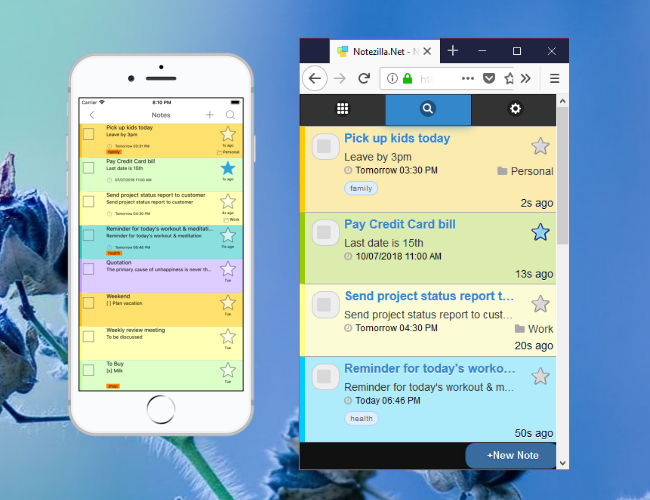
    Send, share, synchronize: Send stickies to your coworkers over network or send them as email, synchronize sticky notes with any mobile/PDA/handheld via Microsoft Outlook

New Version!!
The new version of Quick Notes Plus is called Notezilla.

Download
Download sticky notes software - Notezilla
Try Quick Notes Plus for Free
Quick Notes Plus runs on
Windows 8
Windows 7
Windows Vista
Windows XP
(Both 32 bit & 64 bit)
Buy Now
Buy sticky notes software - Notezilla
  • 30 day money-back guarantee

    30 day money-back guarantee

Testimonials

What a great product! The pick of the crop, and I've tried about 10 of your sticky note rivals -- far and away the leader of the pack!

- Gautam Patel

QNP 5 rocks! I 've just switched over from another StickyNote (9.0) program. There is no better program when it comes to simplicity, stability, and plain out-and-out wealth of features. It's great to use such a well thought out program. This is definitely going into my top 10 must-have list, which hasn't changed for almost a decade now; welcome QNP5!

- Casman

By the way, when my wife saw the post-its on my laptop desktop, she went wild for it and wanted it on our home computer (it’s already there). Thanks again!

- Robert Terry

This program deserves tons of awards. It works so well and is really excellent and perfectly done. I wish all programmers made their programs as good as this

- David Narbutas

I don't just like it, I love it, a product of a very thoughtful and capable team

- George O. Fuhrmann

I tried a number of 'sticky notes' programs and this one is the best

- Usupa

I've been using QNP for the last few days, and its very good. Congrats!! "Stick to window" with a particular explorer directory is a really cooooool feature.

- K S Sreeram, Tachyon

Hi I have your quick notes plus, and I think it beat the other guys hands down! You Did A Wonderful Job! It has more features then anyone would probably ever use

- Deanne Zeman

This is without doubt the best 'sticky note' software (I've tried both freeware and the Post-it Notes original - and it's better than that. Thank you so much

- Rich Marcov

Thanks for your program it's very important. Now you don't have to fill up your monitor edges with the square yellow stickies!! Thank you very much!!!!!!

- Roberto Nunez

Features & Screenshots


Sticky Notes On Windows Desktop

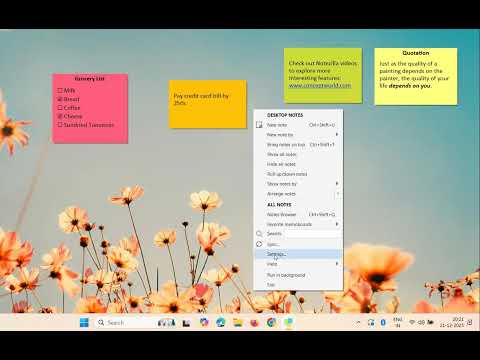
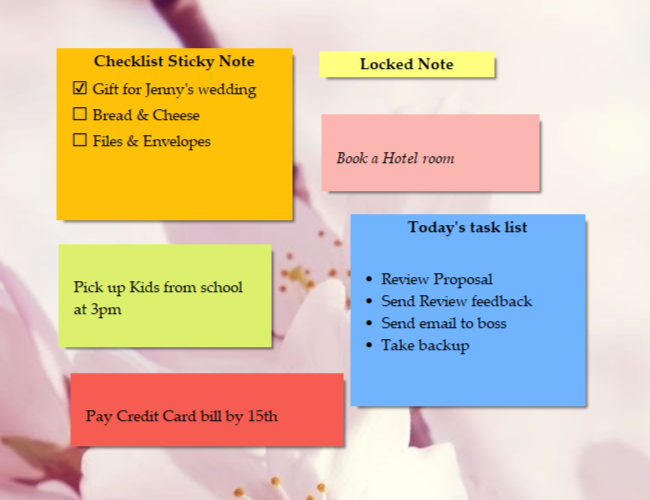
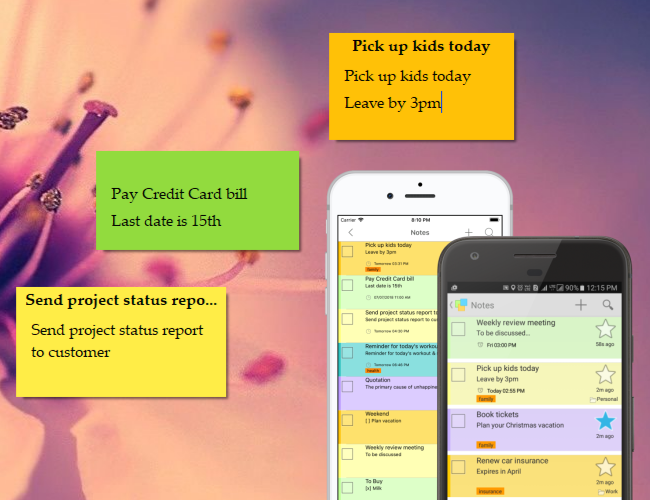
Quick Notes Plus (QNP) lets you quickly create 3M Post-It® like sticky notes on Windows desktop.


Sticky notes allow you to write memos, reminders or a tasks with least effort. Just click, write and go! This is a very productive way of jotting down what's on your mind without getting distracted.


Attach sticky notes to docs & web pages

Stick notes to documents, web pages, programs or any other window. When ever you open the document or web page, the attached sticky note appear automatically.


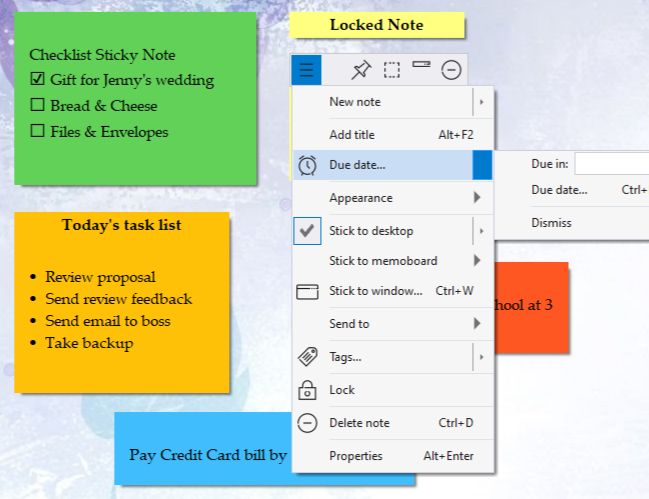
Set Reminders, Roll Up, Hide etc

Set reminder alarms to sticky notes, change color, skin & transparency.


Also change sticky note title, set reminders, change color, skins, make them transparent, roll up/down notes to save space & hide notes to keep your desktop clean

Move Sticky Notes To Folders

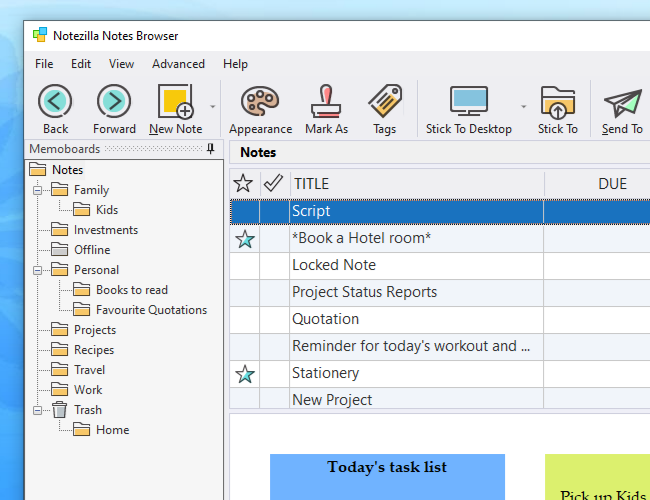
Keep your desktop less cluttered by moving your sticky notes to different memoboards.


This feature lets you classify different notes & archive them for later use.


Find Sticky Notes

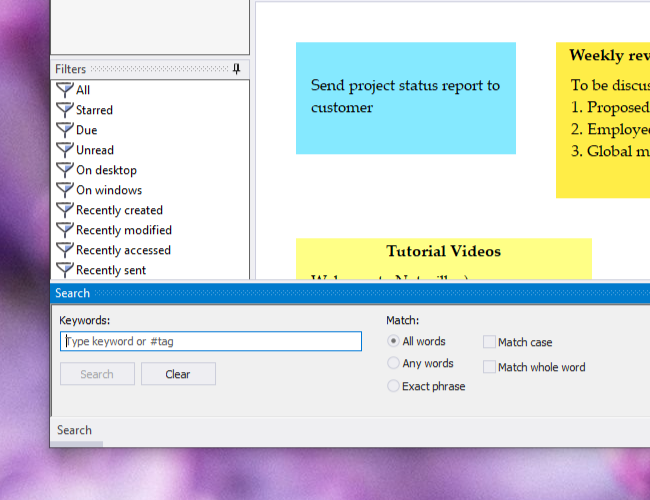
Finding back any information 'quickly' is as important as storing the information itself. QNP lets you locate any sticky note really fast.


Skins

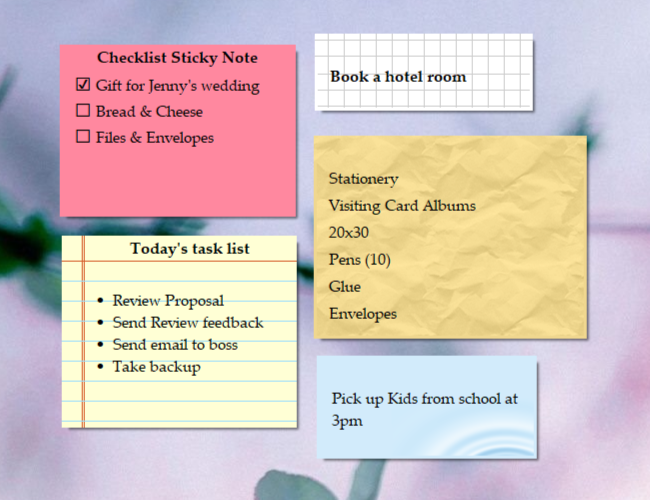
Sticky notes in QNP can wear attractive skins such as ruled paper, antique paper etc. These skins can be downloaded from our website.


Text Formatting in Sticky Notes

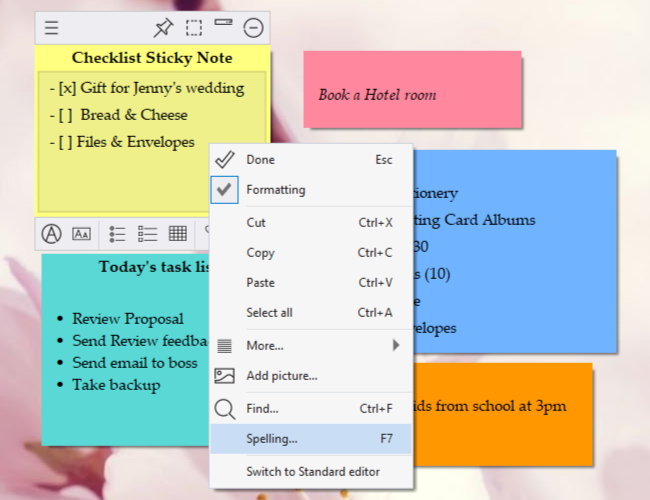
QNP sticky notes program provides useful text formatting features such as font, text alignment, bullets & numbering etc.


Send Sticky Notes

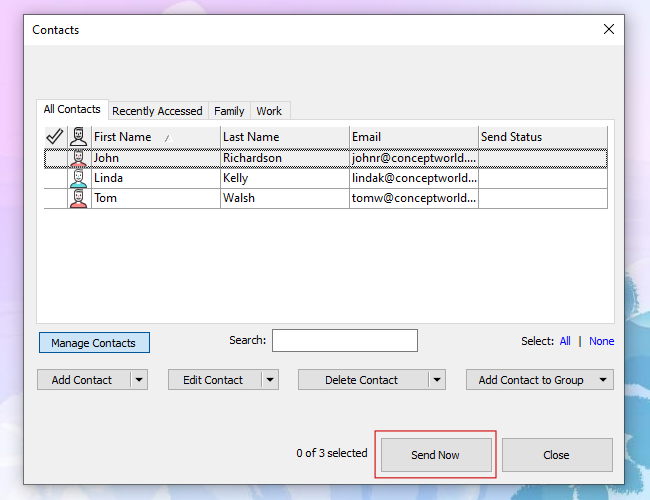
Send sticky notes to your friend or coworker over network. if he/she is offline, you can send the sticky note as email.


Read about Notezilla (New version of Quick Notes Plus)


Why digital sticky notes?

Electronic sticky notes are better than paper sticky notes

digital sticky notes

With digital sticky notes, you can set reminders, attach them to documents, copy/paste content from other documents, share them with your friends / co-workers, format content, take copies or backups.

Digital sticky notes last for ever, you can create virtually unlimited notes, where as paper sticky notes like 3M Post-It® notes have several limitations.

Save money on Post-It® Notes

Instead, use sticky notes on computer

save money on post-it notes

Most of the Post-It® notes that write are for ourselves. This means that we might as well use a computer software that does the same job, in fact better job than regular paper 3M Post-It® notes.

We can save a lot of money by using a sticky notes program such as Notezilla instead of expensive 3M Post-It® notepads.