Desktop Sticky Notes Software for Windows

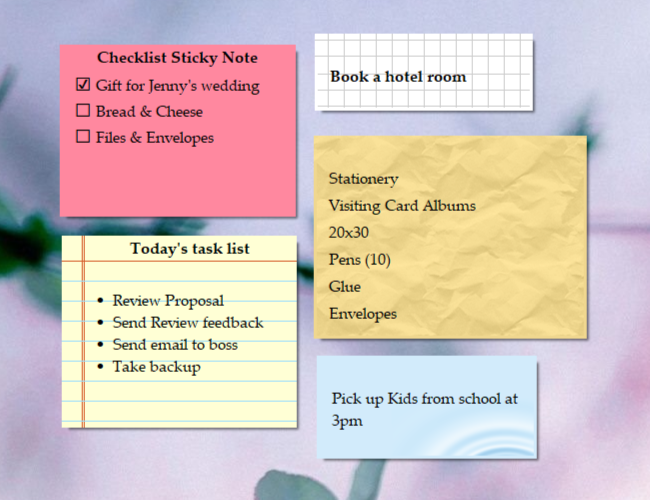
Joyful note-taking. Scratch your notes, appointments or tasks on to virtual sticky notes on Windows Desktop. Sticky notes look like 3M Post-It® Notes.
 
Smart note-taking. Stick notes to desktop, websites or documents. Let them pop up automatically when ever you open those websites.

Comfort note-taking. Arrange sticky notes inside folders to avoid desktop clutter.

Mobile note-taking. Synchronize notes with MS-Outlook & Palm OS Devices

Recent News


RecentX 2.0 Launched!
Another magical software from us :)
Learn More


NoteZilla 7.0 Released.

A highly sophisticated
Sticky Notes software.
 Learn More

NoteZilla 7.0

NoteZilla 7.0 is the premium sticky notes program

Free Download

Download a free trial version of
Quick Notes Plus 5

Buy Now
$19.95 & Less

Quick Notes Plus 5.0 - The Sticky Notes Tool

Get discounts on 2 or more licenses
Learn More

Special Offers

Special deep discounts for students,
non-profit
& educational organizations.
Learn More

QNP Praise!

"There is no better program when it comes to simplicity, stability, and plain out-and-out wealth of features. It's great to use such a well thought out program. This is definitely going into my top 10 must-have list, which hasn't changed for almost a decade now; welcome QNP5!. " - Casman
Read More Praises

Affiliate Program

If you have a website or blog, this is a good chance to earn additional revenue from our software products.

Learn about our Affiliate Program

Picture Tour - Quick Notes Plus 5.0


See how Sticky Notes Software can boost your productivity


Take the picture tour to quickly navigate through the benefits of Quick Notes Plus (QNP) - Desktop Sticky Notes Software.

Start Picture Tour


Special Discounts Available

Runs on Windows XP, Windows Vista,
2003 Server, 2000, ME, 98
.

"Totally Outstanding Product.
I have tried many note programs but none comes close to QNP. The best feature that no other note programs offer is that notes can be added to any active window allowing notes to be added to emails, Word documents, Excel files"
- Hzetzer

Read Plenty Praises

Benefits

  • One click access to "any" note, reminder, task or memo

  • Increase efficiency with reminder alarms

  • Save $$$ on expensive paper notepads

  • Stick notes to web pages and let them appear only when required

  • Managing information made pleasant & joyful with skins support

  • Avoid paper clutter on your desk with these desktop sticky notes

  • Easily locate information with options to find, sort and arrange desktop sticky notes

  • Quickly share information over network

  • Keep your Windows Desktop clean with memoboards support

  • Add mobility by synchronizing notes with your favorite Palm handheld (PDA).

Introducing NoteZilla!


 NoteZilla is the new version of QNP.
Learn more about NoteZilla
 

Featured Articles

Existing Customers suggest innovative ways of using Quick Notes Plus - Read This Article

How Virtual Sticky Notes are better than Paper Sticky Notes? - Read This Article

Ten Practical Scenarios of Sticking Notes to Documents / Websites - Read This Article


Detailed Feature List


Want a quick overview of the product? Try Picture Tour


Computer Sticky Notes

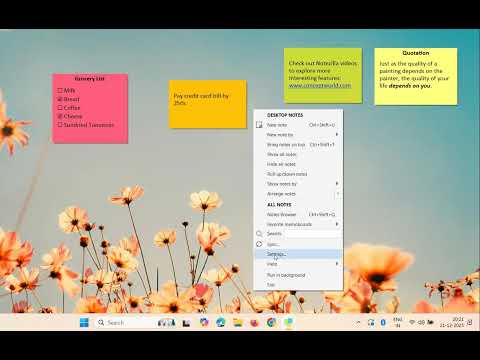
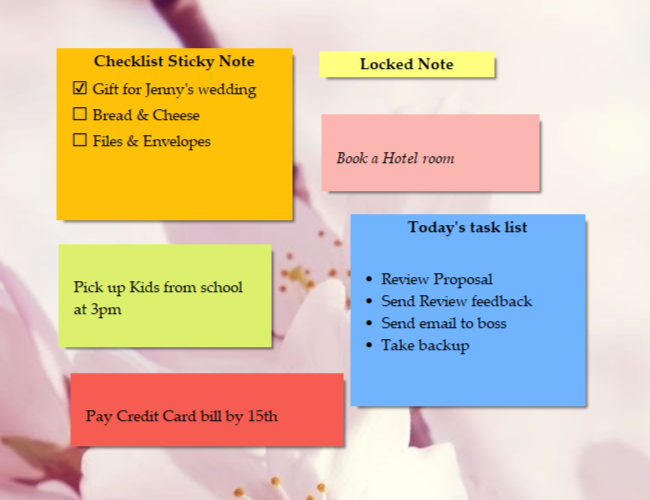
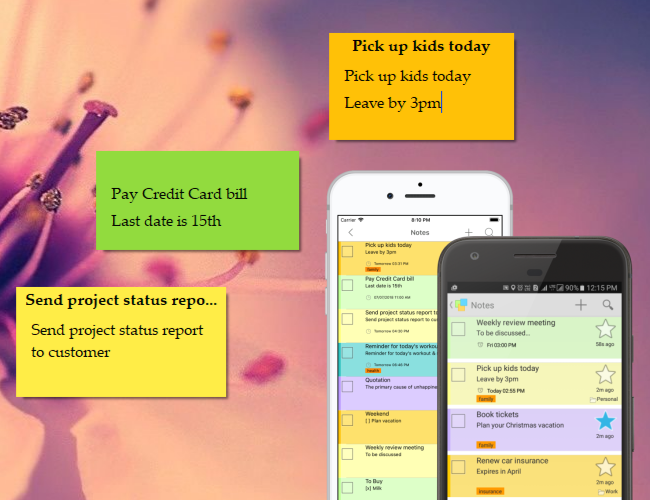
QNP allows you to create sticky notes (similar to 3M Post-It® Notes) on your windows desktop and memoboards. Jot down messages, ideas, appointments, phone numbers, birthdays or just place a popular quote in to a sticky note and stick it on the desktop. Stickies (sticky notes) are right in front of your eyes on the desktop. Accessing them is very easy. The stickies are even resizable.


Set Reminders

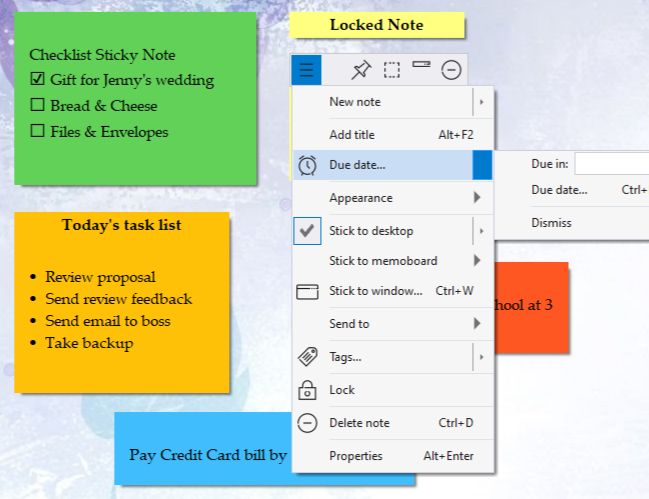
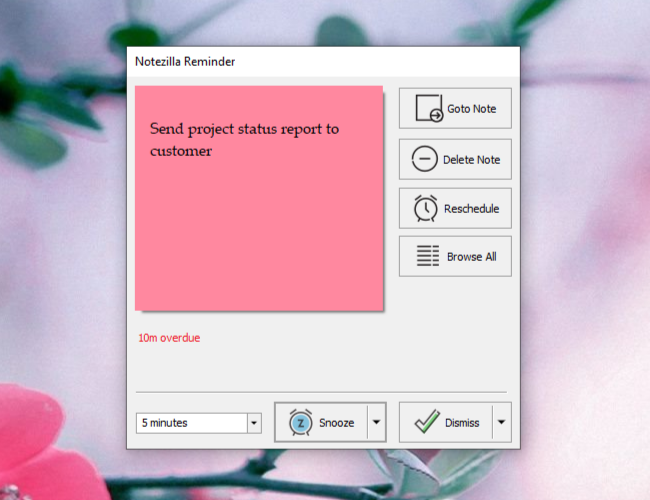
You can set alarm to each sticky note. Let QNP do all the hard work of reminding you about your appointments, anniversaries or things to do.

Memoboards

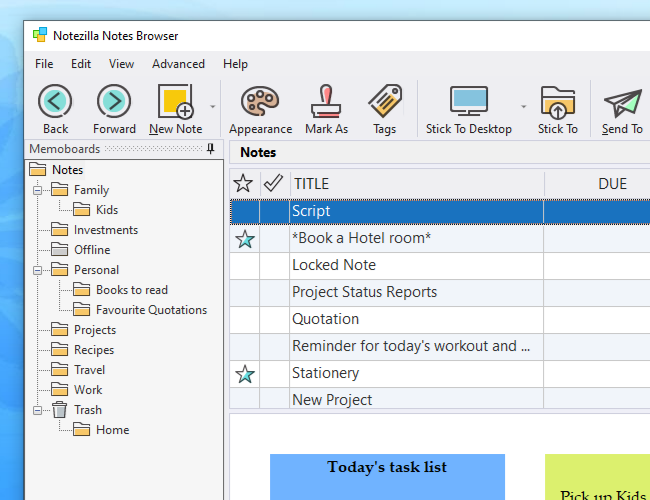
QNP supports a unique feature - "Memoboards". A memoboard is a separate window in which sticky notes can be arranged. Two major advantages of memoboard - One, it avoids messing up of windows desktop with too many sticky notes. Two, it can contain unlimited number of sticky notes which is not possible with paper sticky notes.

Context-Sensitive Desktop Sticky Notes

Desktop sticky notes can be associated with any other document/website. What this means is, whenever you open that particular document/website, the related  desktop stickies will pop up. At other times, they will remain hidden. A sticky note can stick to more than one document/application.

Haven't downloaded QNP yet? Download QNP 5 (2.0 MB)

Skins!

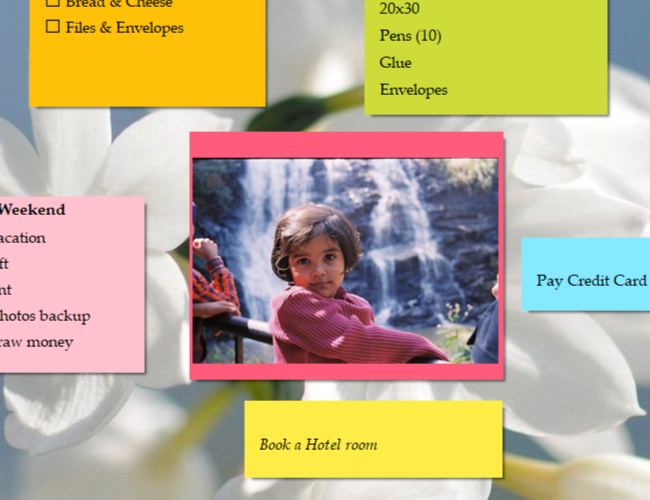
Skins allow sticky notes to appear with different look and feel, different texture. Each note may have a different background, title bar, title buttons and so on. It is also possible to have photo-realistic 3D notes! Working with skinnable sticky notes is really refreshing. The sticky notes are resizable.

We will keep publishing new attractive skins on this website, which can be downloaded and imported in to QNP.

Transparent Notes

Transparent notes are see-through notes. Transparent notes make the desktop less cluttered since the desktop background is not obscured by the transparent sticky notes. When working with different applications, the sticky notes do not cover the application windows.

Rich Text

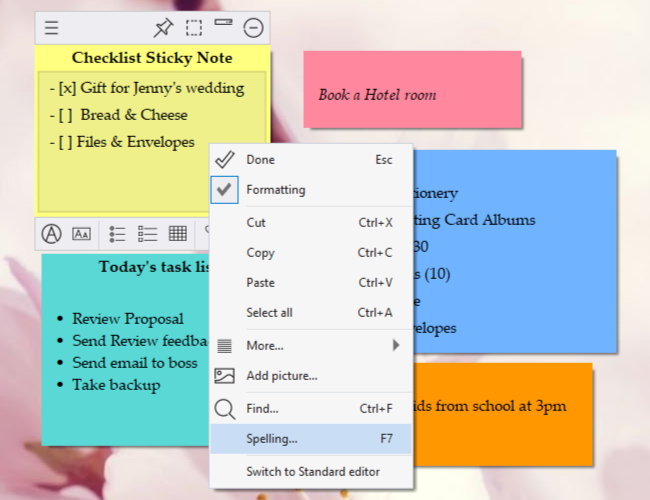
Sticky notes in QNP can have formatted content such as font, color, alignment, effects, hyperlinks, bullets and numbering. You can just paste a website URL in a sticky note and have it right it on your desktop.

Send notes across Network

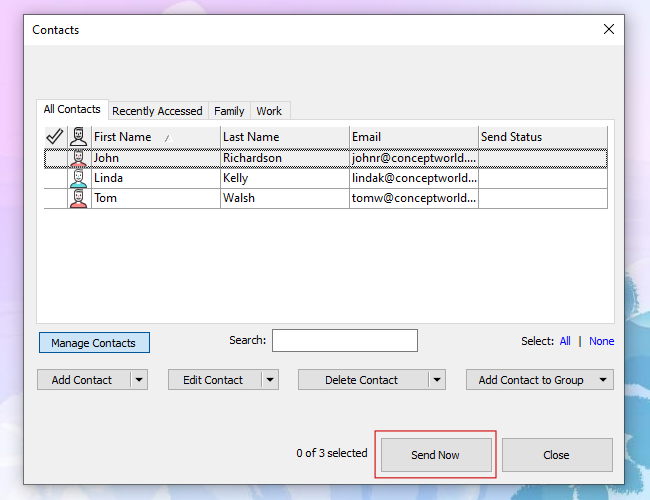
You can send notes to your coworker across the network. You just need to know the computer name of your coworker. You can also send a note to group of friends at the same time. Saves lot of time indeed!

Send notes as Email

The content of the notes can be sent via email. Once QNP is configured with friends email addresses, sending notes via email is just about couple of clicks away!

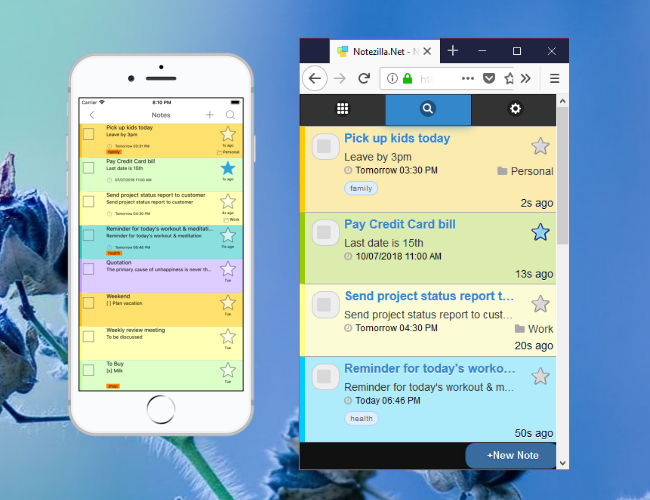
Synchronize notes with Palm handheld and MS-Outlook

Import, export or synchronise QNP notes with your favorite Palm handheld (PDA) or MS-Outlook.


Send notes using Net Send command

The content of the notes can be sent using the Net Send utility which is included in Windows NT/2K/XP or higher operating systems. This feature is very useful when your coworker is not using QNP, but you still want to send a message to him/her. You can also treat QNP as a Net Send replacement tool in addition to a sticky notes program. This method is much easier than typing the long Net Send command line each time.

XP Style User Interface (UI)

This UI has changed drastically compared to the older versions. The menus, memoboards, icons have
changed. Its a fresh feeling.

Tile/Cascade Notes

Notes can be neatly tiled/cascaded on the desktop or memoboards. Avoids lot of clutter. Saves lot of desktop area.

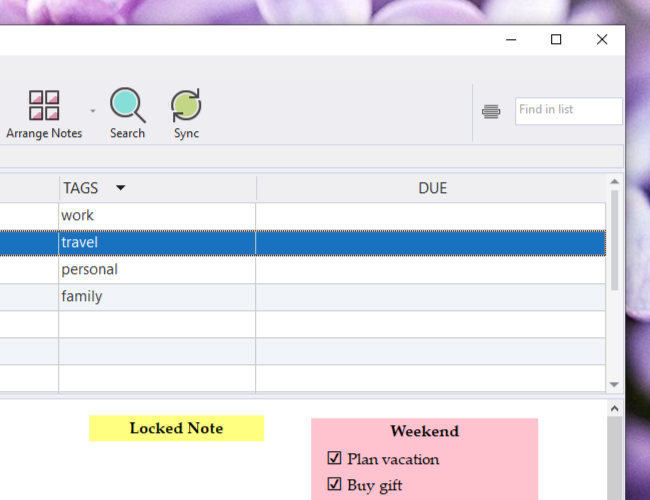
Sort Notes

Notes can be sorted based on title, date created or date modified.

Find Notes

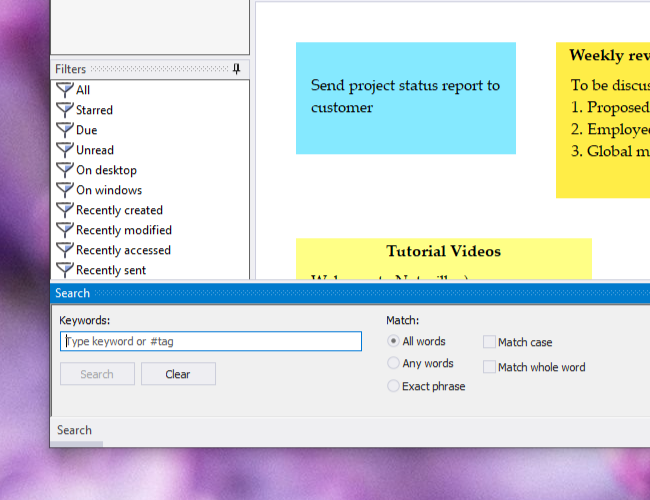
The find features allows you to quickly locate a note by content or title.

Alarm List

Alarm List feature is a convenient way to access all the notes to which alarms are set, in a single window. Managing of notes becomes easy.

Print Notes

Print notes on the desktop or inside a memoboard. You can even print individual notes.

Hotkeys

Frequently used features such as creating new note, bringing notes on top, activating a memoboard (and many more) can be assigned a unique hotkey. You can use these hotkeys from any application.

Quick Text

This feature allows you to pre-configure QNP with standard texts and signatures which can be inserted in
to sticky notes directly instead of typing them each time.

Rolled Up Notes

Notes can be rolled up to show just the title. Saves desktop and memoboard space.

Save note as bitmap file

Attractive skinnable note can be saved in to a bitmap file. Its fun to send the textured note as attachment of an email.

Restore Deleted Notes

You don't have to worry if you trashed a note by mistake. With QNP, deleted notes can be restored from the Trash memoboard.

Haven't downloaded QNP yet? Download QNP 5 (2.0 MB)


Copyright © 2000-2008 Conceptworld Corporation. All Rights Reserved