 Filezo - Find Files Magically & Tag Files Smartly in Windows.
Learn about Filezo.
Filezo - Find Files Magically & Tag Files Smartly in Windows.
Learn about Filezo.
To begin your search, go to the Files or Folders tab and start typing the search keywords. You will see the results instantly.
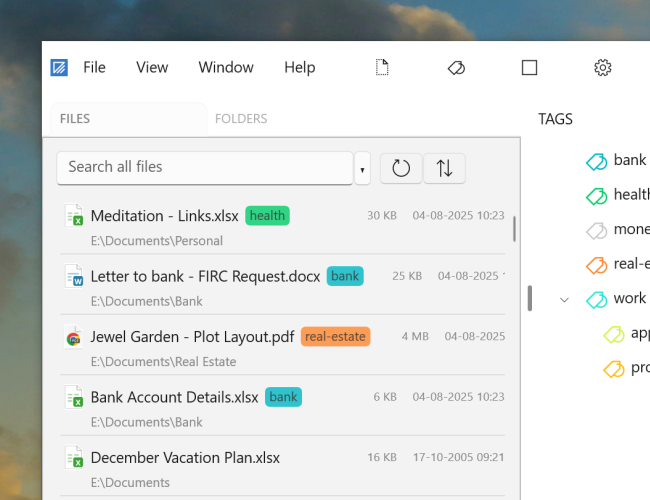
By default, Filezo doesn't index files inside system and hidden folders. You can change these settings. Filezo indexes the file/folder names and addresses only. It doesn't index the content of any file.
The files list in Filezo includes all your programs, including the portable apps. Apps typically end with the file extensions .exe or .lnk (shortcut to the app). The more you search and run your apps using Filezo, the higher they will appear in your search results.