Download.com
says
"NoteZilla makes a strong case for itself as the virtual sticky notes
program most worthy of your attention."
RecentX 3.0
RecentX 3.0 Another magical software from us
:) Learn More
PikySuite 3.0
PikySuite 3.0 Precious gems for your files and folders. Learn More
Recent News
Features added to recent builds of NoteZilla 7.0 -
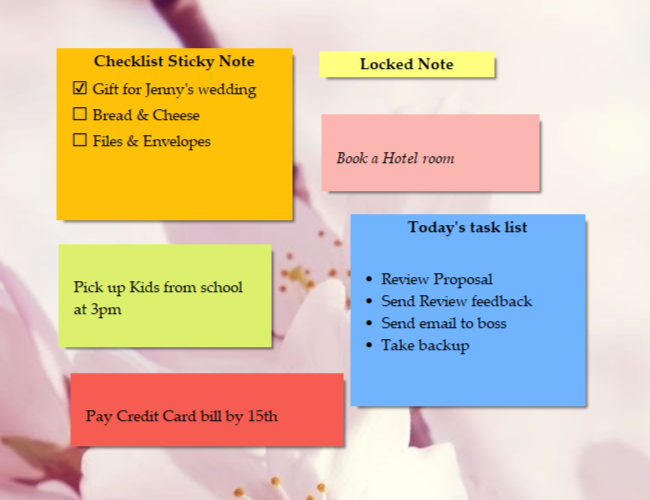
Checklist Sticky Notes,
Spell Checker, Microsoft Outlook & Palm Handheld Synchronization & Import/ExportView Changes
NoteZilla : Sticky Notes Software - Get
organized effortlessly.
NoteZilla is an elegant
Sticky Notes Software for Windows. Just as we use paper
sticky notes (eg.
3M Post-ItŪ Notes), NoteZilla lets you create virtual sticky notes
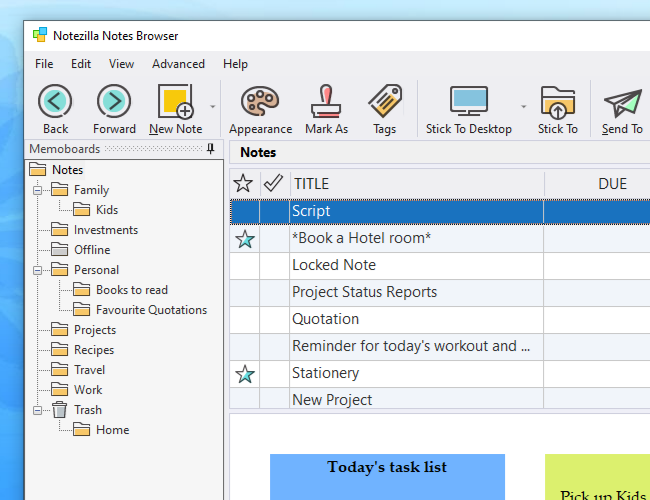
on your Windows Desktop and organize them in to folders. View Screenshots
.
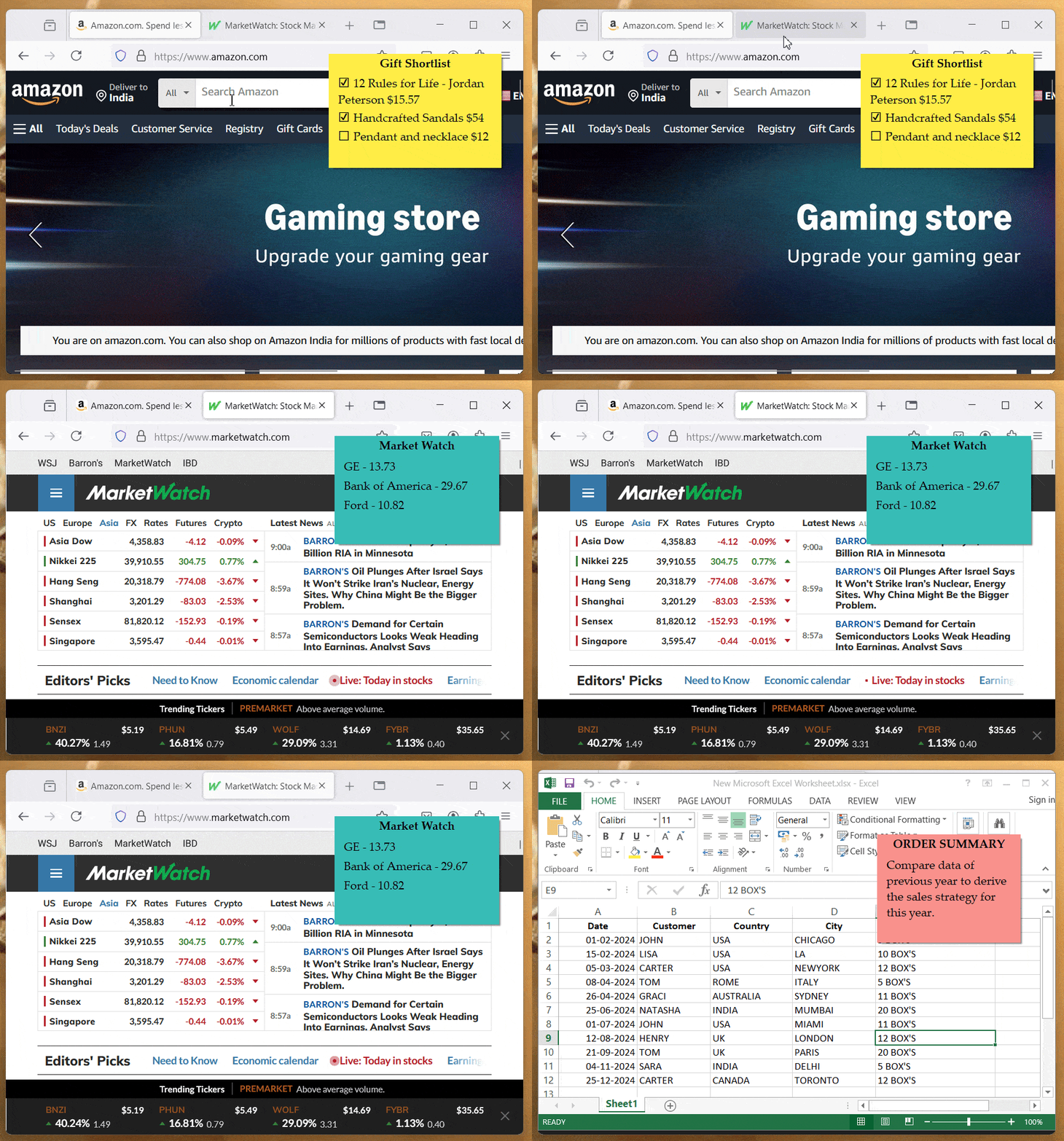
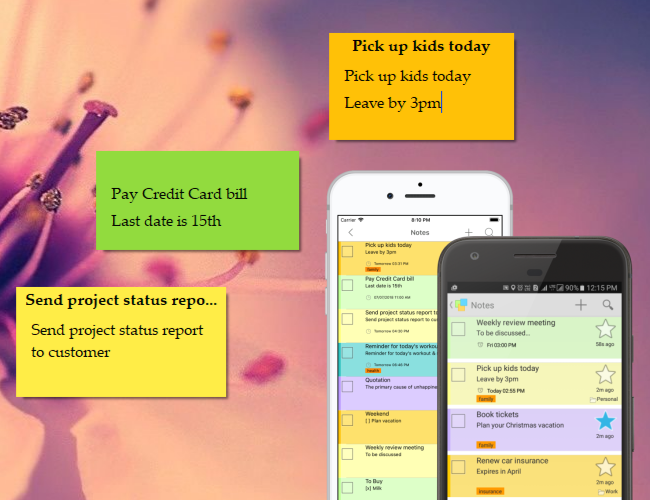
The most attractive capability of NoteZilla is that it lets you stick notes to
websites, documents, programs or any window.
Benefits:
Save Time: Desktop sticky notes are the best way to
quickly write down what's on your mind. With no effort you can create
and manage them without changing your current flow of activities.
Stay Neat:Organize sticky notes inside folders to avoid clutter on your
Windows Desktop.
Stress Less:Attach a sticky note to any document, website,
program or window. Great advantage!
Add Convenience: Treat sticky notes as tasks, reminders or memos. NoteZilla
presents an easy and intuitive way of doing this.
Get Amazed: Finding a note quickly is as important as writing a
note. NoteZilla lets you locate the right sticky note instantly.
Feel Pleasant: These computer sticky notes look awesome on your
Windows desktop. Insert pictures inside Sticky Notes. Sticky Notes are skinnable and they can appear transparent too.
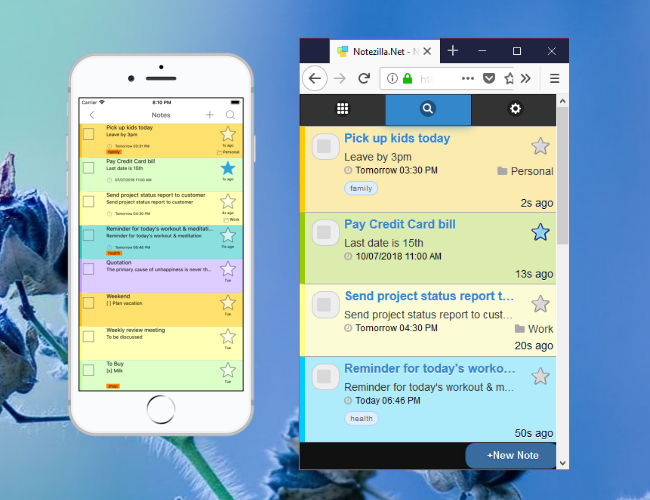
Add Mobility:Synchronize sticky notes with MS-Outlook.
Transfer your notes to any mobile/handheld device via MS-Outlook.
Get Lighter: NoteZilla intelligently manages your PC memory
and resources. It is a small program (< 4 MB).
"NoteZilla is the 'perfect-est' of the stickies..." - Jerry
"Best program I've found. period. I've
tried hundreds over the years
... Yours is the exception" - Grant
Runs on Windows XP, Windows Vista, Windows 7 & Windows 2000
"I've used Stickies in the past ... and also own a license for StickyNote,
but Notezilla is head and shoulders above both of them - easily best in class."
- Michael Plant
Upgrade to
NoteZilla 7.0
If you are a registered user of "Quick Notes Plus" (QNP) then you may upgrade to NoteZilla 7.0 for less
price.
"But, what will I use this program for?"
Meetings,
Appointments, Ideas, To-Dos, Phone Numbers, User Name/Password, Website
Addresses, Discount Coupon Numbers, Sticky Reminders, Doctor Appointments, Birthdays, Anniversaries, Tasks,
Shopping List, Gifts List, Family Bank Account Numbers, Family Passport
Numbers, Social Security Numbers, Recipes, Email Excerpts, Manual
Instructions, Note Reminders, Bill Payment Reminders, Summaries, Table of Contents,
Annotations, Bug Report, Installation Instructions, Order Number, Ticket
Number, Travel Details, Hotel Names & Addresses, Contacts, Check Number,
Backup Reminders, Book & Author Names, School Assignments, Exam
Schedule, Insurance Policy Numbers, TV Program Schedule, Training Dates
& Schedule, Meeting Agenda, Courier Reference Number, Invoice Number,
Warranty Expiry Reminder, Product Prices, Deal of the Day Reminders,
Registration/Activation Codes, Serial Numbers, Synchronize sticky
notes with devices such as Windows Mobile, Apple iPhone, iPod, Blackberry,
Nokia, Motorola or Sony Ericsson.
And you can access any of these in less than 5 seconds or a max of 10
seconds. Seriously!
One-Click-Convenience. Sticky notes let you to immediately put
down what has come in to your mind or what you have seen on a website,
without requiring you to change your current activity. This is important
because we like to do things with least effort.
You don't have to launch another program, shift your current context and
flow of thoughts.
Once you have written your notes in to a sticky note, you can
always organize these notes at later point in time.
Have you ever calculated the cost of
Post-ItŪ Notes (paper notes)?
Most of the time, we write
Post-ItŪ notes to ourselves. Which means that we might as well
use a computer software that does the same job, in fact
better job than
regular paper Post-ItŪ notes.
You can save a lot of money by using a sticky notes software
such as NoteZilla instead of expensive Post-ItŪ notepads.
You can download a free 30-day trial version of NoteZilla
here.
Featured Articles
Virtual
Sticky Notes are better than Paper Sticky Notes. Read This Article
10 Practical Scenarios of Attaching Notes to Documents & Websites. Read This Article
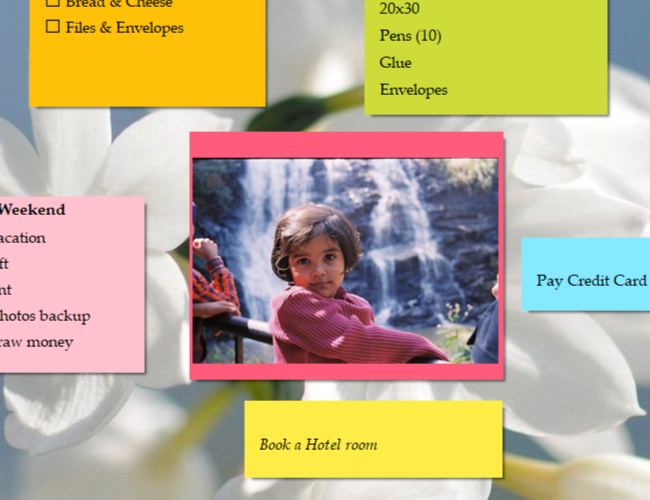
NoteZilla lets you to insert images inside sticky notes.
Place attractive graphic images on
your desktop inside sticky notes.
Share these sticky notes by sending
them to other computers on your home/office network.
Copy pictures from any website and
quickly paste them inside desktop sticky notes.
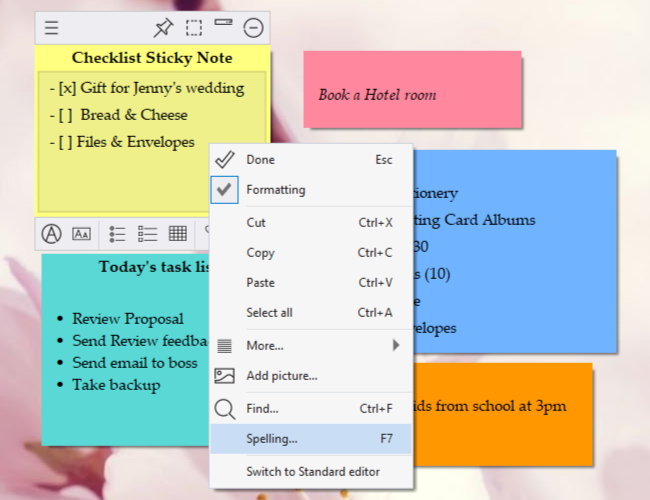
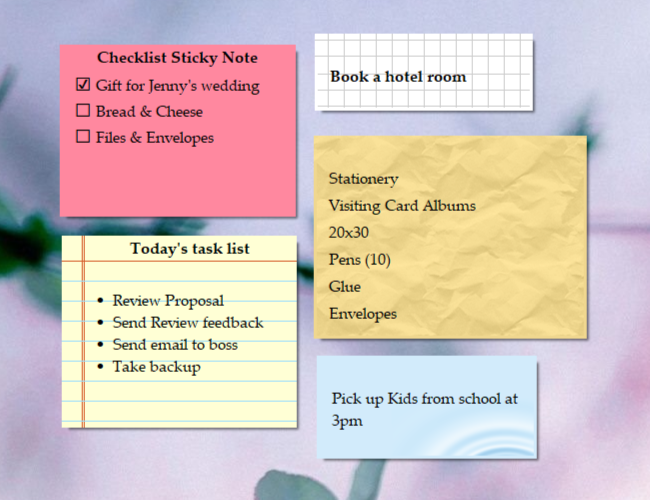
Checklist Sticky Notes
NoteZilla has a cool ability to
represent a sticky note as a checklist. Each line in a sticky
note begins with a check box that you can tick off.
This way you can create to-do lists for different categories
that can stick right on your desktop as sticky notes.
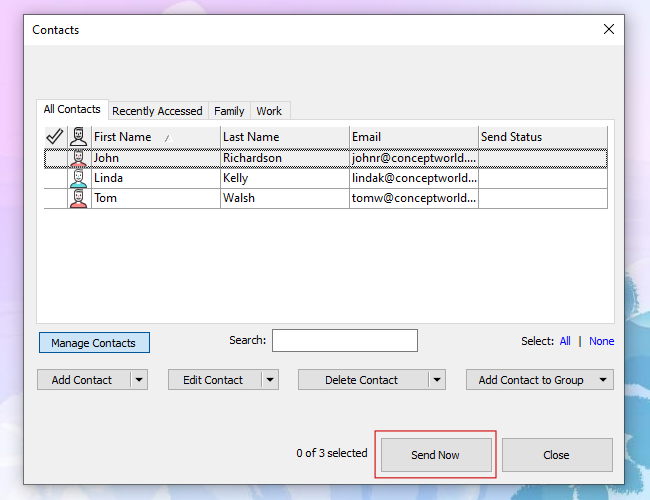
Send Reminders to your coworkers
using NoteZilla
With NoteZilla, you can send sticky notes to your coworkers over network.
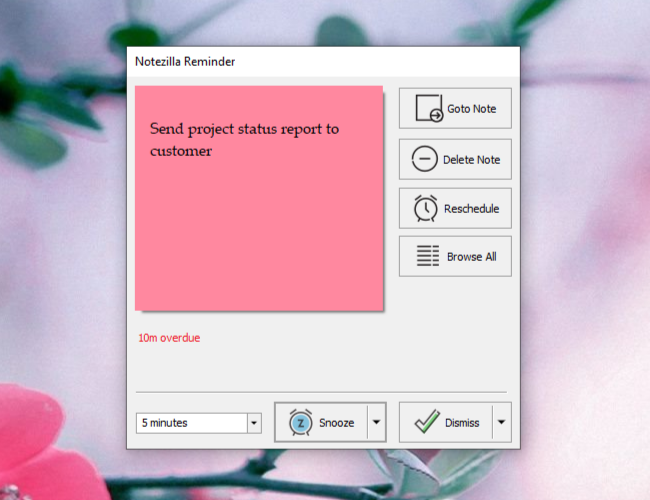
You can set a reminder to the sticky note that you are sending so that it
will remind her automatically.
If your coworker is offline, you can send the sticky note as an attachment
to an email. This sticky note can be imported in to her copy of NoteZilla
with just a double click.
Also, you can send sticky notes to different user accounts on the same
computer. Great for home computers.
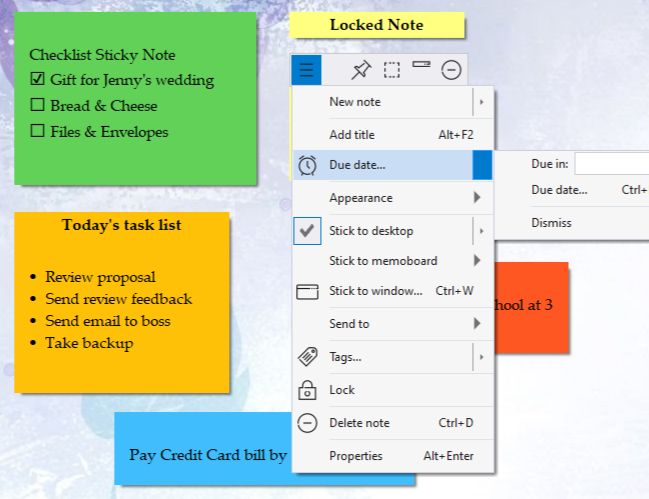
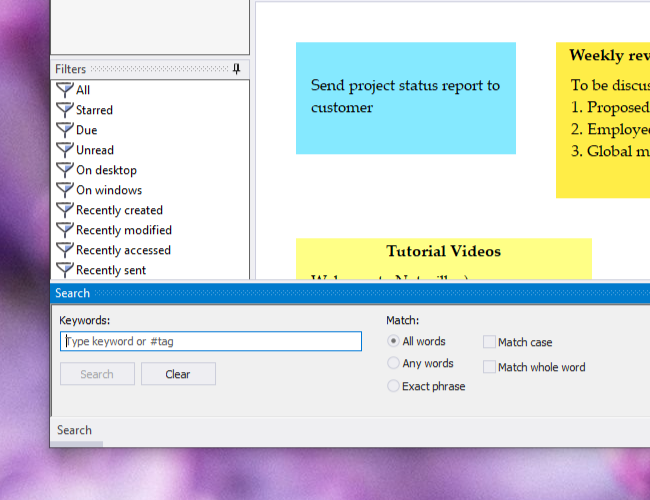
Use Tags to get things done
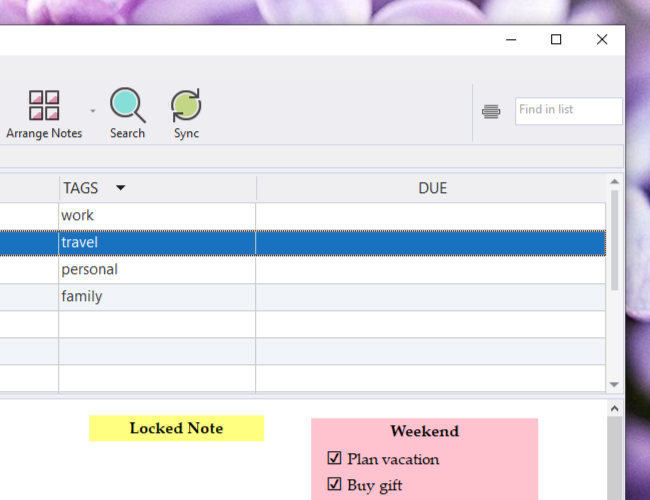
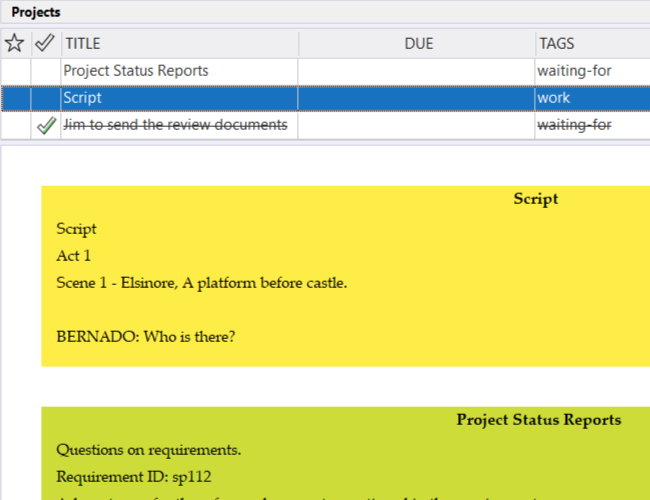
NoteZilla lets you assign tags to each sticky note.
Tags are like keywords or labels that you can assign to sticky notes in order to group them and find them easily. By adding tags you can group your
sticky notes by topics, projects, contexts or anything else that is important to you.
Example: Supermarket, Meetings, Bills, Bank, Project XYZ, Personal, Doctors, Dentist, To Call, To Repair, To Clean, Weekends, Travel, Hotels, Internet, School, Assignment, Doctors, Family Friends, Downloads
You may tag a sticky note 'Project1, Supermarket', and tag another
sticky note 'Project2, Supermarket'. Now
it's easy to find and group all the items that need to be purchased from the Supermarket for all the projects.
NoteZilla has been totally redesigned based on feedback from users of previous versions. With the new design, it is extremely easy to access
sticky notes, organize them based on categories and to work with them in groups
Try it for FREE before you
decide to buy
Copyright Đ 2000-2009 Conceptworld Corporation. All Rights Reserved