RecentX

Launcher for Windows

Experience the convenience of having any file, folder, program or bookmark at your finger tips.

What's new in RecentX 3.0


Finds any file on your computer

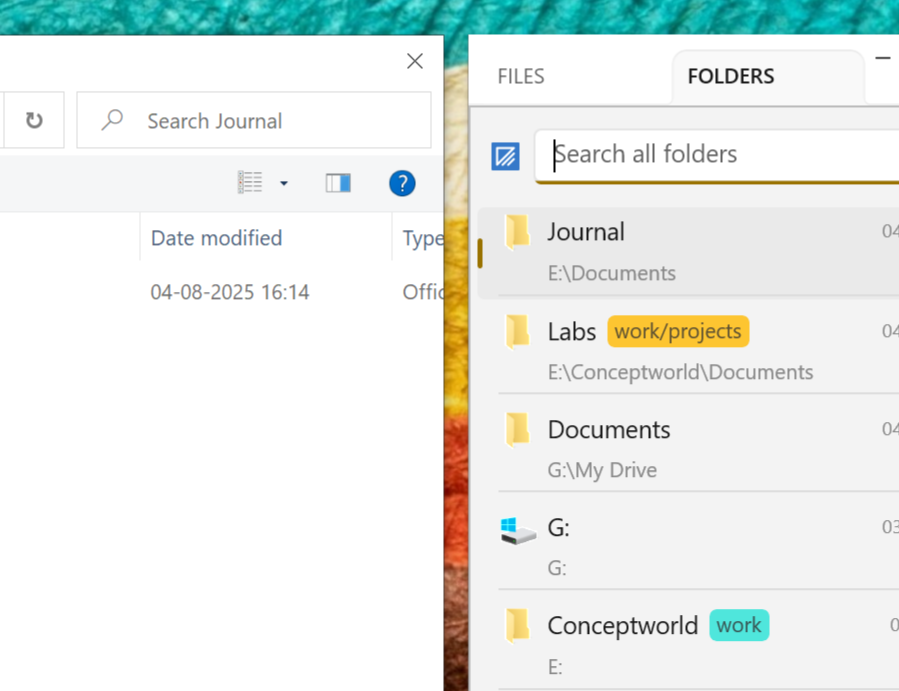
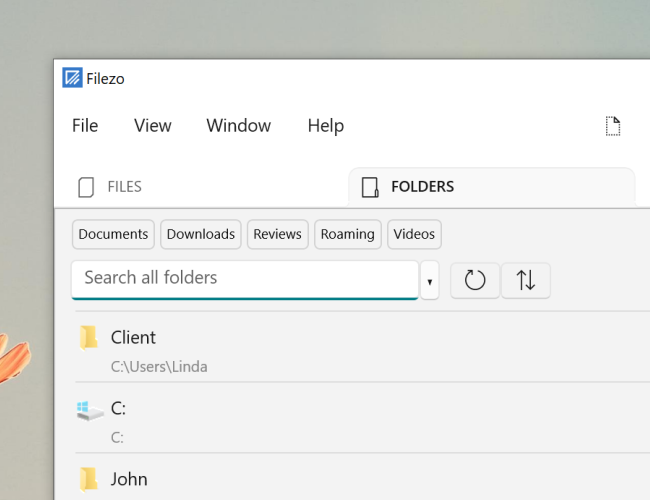
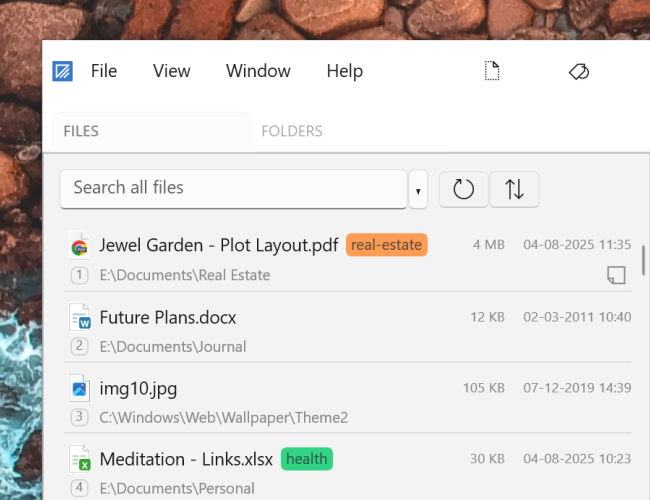
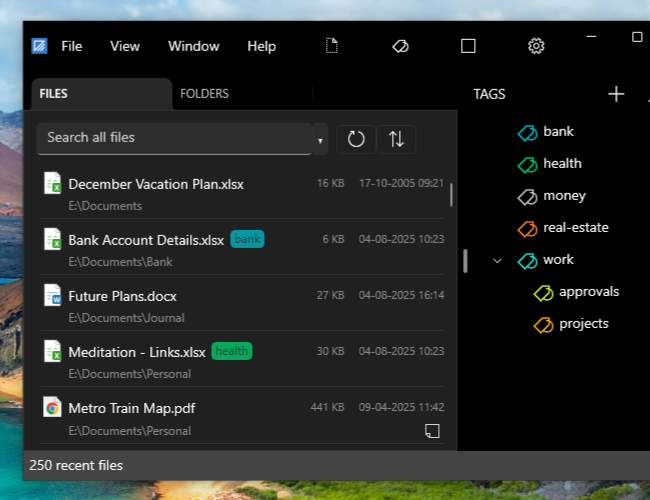
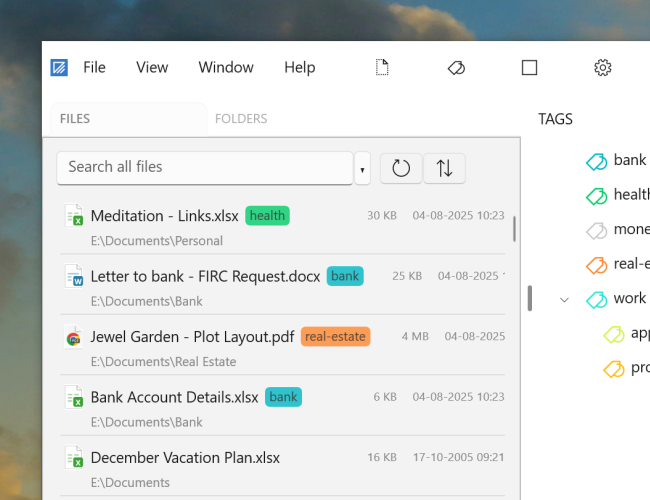
The new version allows you to find any file or folder on your computer. Of course, it gives higher preference to recent files & folders so that you can pick them faster.

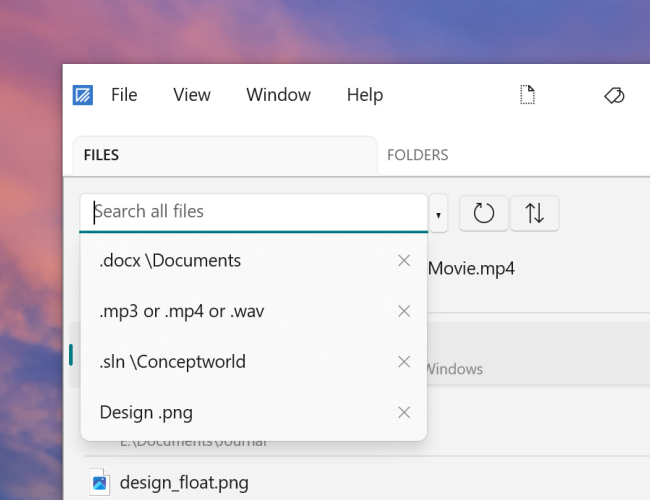
Finds files as you type

Finds file instantly as you type the keywords. Earlier version used to be slow.

Auto-hide RecentX window

In the new version, RecentX window auto-hides whenever you open a document, folder etc.

Starts up very fast

The new version starts up very fast. It does not slow down the Windows startup like the older version.

Uses less CPU and memory

In the new version, RecentX window auto-hides whenever you open a document, folder etc.

Auto-hide RecentX window

We have completely changed the architecture of the new program. The new version uses very less CPU, memory and does not slow down the computer.

Attractive Vista-like looks

RecentX looks & usability has been revived completely. Using RecentX is fun.

Tags & Smart Tags

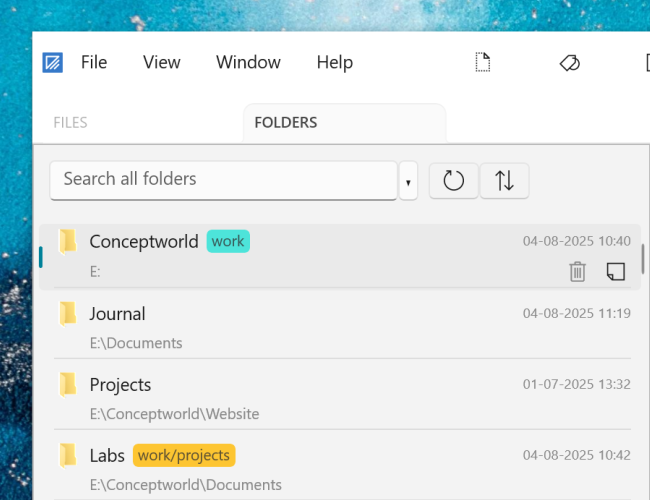
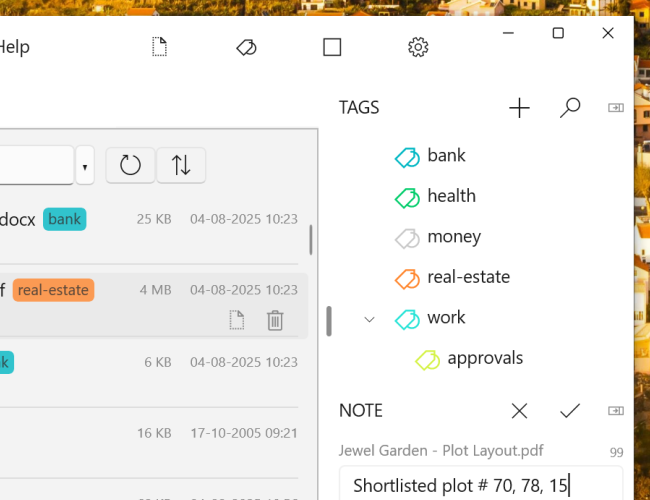
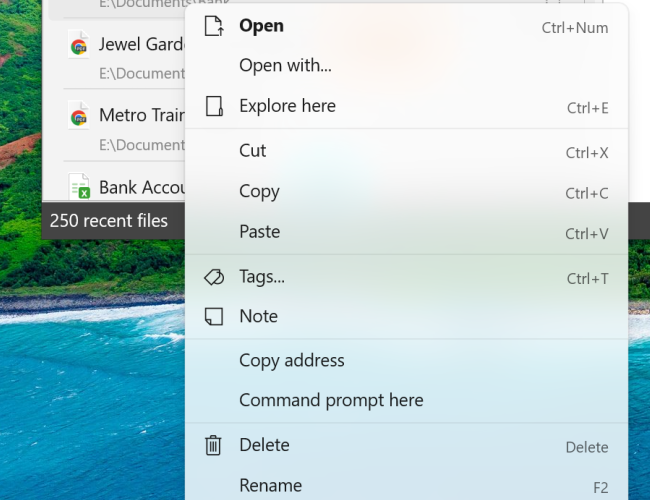
Tags & Smart Tags let you tag different files/folders/programs/websites so that you can group them for faster access.

Remove or hide specific items

You can remove particular items from RecentX list, or filter them based on particular criteria.

'Essential history' support

RecentX's new 'Essential history' option lists only the websites that make sense. It does not show all the trivial websites that clutter the list.

Hotkey for individual category

You can set a separate hotkey for each category - Files, Folders, Programs & Websites for faster access.

Support for Opera browser & Google Chrome

RecentX lists history and bookmarks from Mozilla Firefox, Internet Explorer, Opera & Google Chrome.

Lock RecentX

You can lock RecentX so that anybody using your computer does not have direct access to all your files, folders, Internet history, bookmarks etc.

Enhanced Sidebar

The sidebar can be hidden. Instead, RecentX can be accessed from the taskbar icon inside system tray.
Testimonials

This is an exceptionally useful little application. A "must have" application

- Holy_Officer

Just installed latest RecentX and it blew me through the ceiling!! You guys really maxed out on this. It is amazing.

- Barry Jaques

It really is addictive, and a great timesaver as well!

- Eliezer Shore

I consider RecentX to be one of the top ten applications I have used in 25 years of computing

- Stephen Strum

Worth every penny! Online demos sold me--and I'm still a believer

- Drbb

I have both NoteZilla and RecentX. Nothing but classy programs from this company

- Sazzen

I can't imagine working without it. It saves me several minutes every workday, and FAR MORE in LOWERED FRUSTRATION - I can find WHAT I NEED WHEN I NEED IT! RecentX ROCKS!!!

- Bruce

It is quickly becoming one of my favorite programs, right up there with Clipmate and Treepad!

- Dan Monk

Excellent design, stable, professionally executed

- Peter Wirth

I grow to use and love this program more and more! You guys are awesome!

- Bruce Koehler