You are reading the online help documentation of RecentX - .
Learn about RecentX.
Finding folders on Windows using RecentX
To find folders,
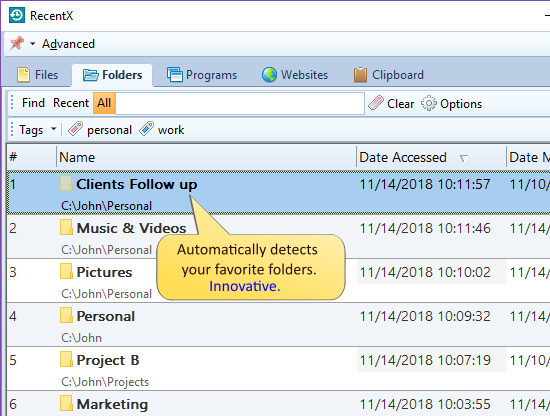
Open the Folders tab in the RecentX window.
Enter the keywords in the Find text box to find any folder.
Double-click on the desired folder to open it.
Click on the 'Recent' button to find recent folders only. To find all folders,
click on the 'All' button. To find and launch a folder faster, you can
create and use tags.
.
 RecentX - .
Learn about RecentX.
RecentX - .
Learn about RecentX.