Access Clipboard History Using Clipboard Manager Extender

Quickly pick up text and images that you copied to the clipboard and use it whenever needed.
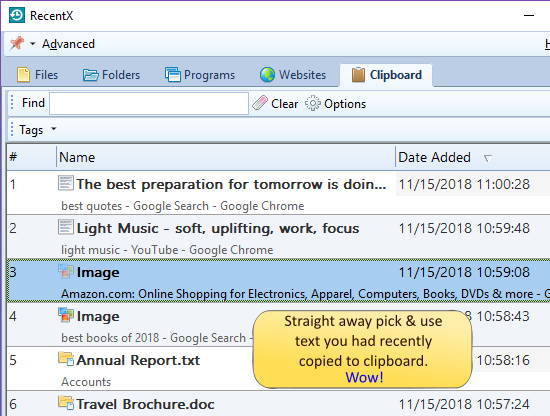
  1. Click on the Clipboard tab in the RecentX sidebar.
  2. Select the text or image that you want to attach.
  3. Drag and drop it on to your email client window such as Gmail, Outlook, etc. That’s it.


Advanced Tab Preferences